
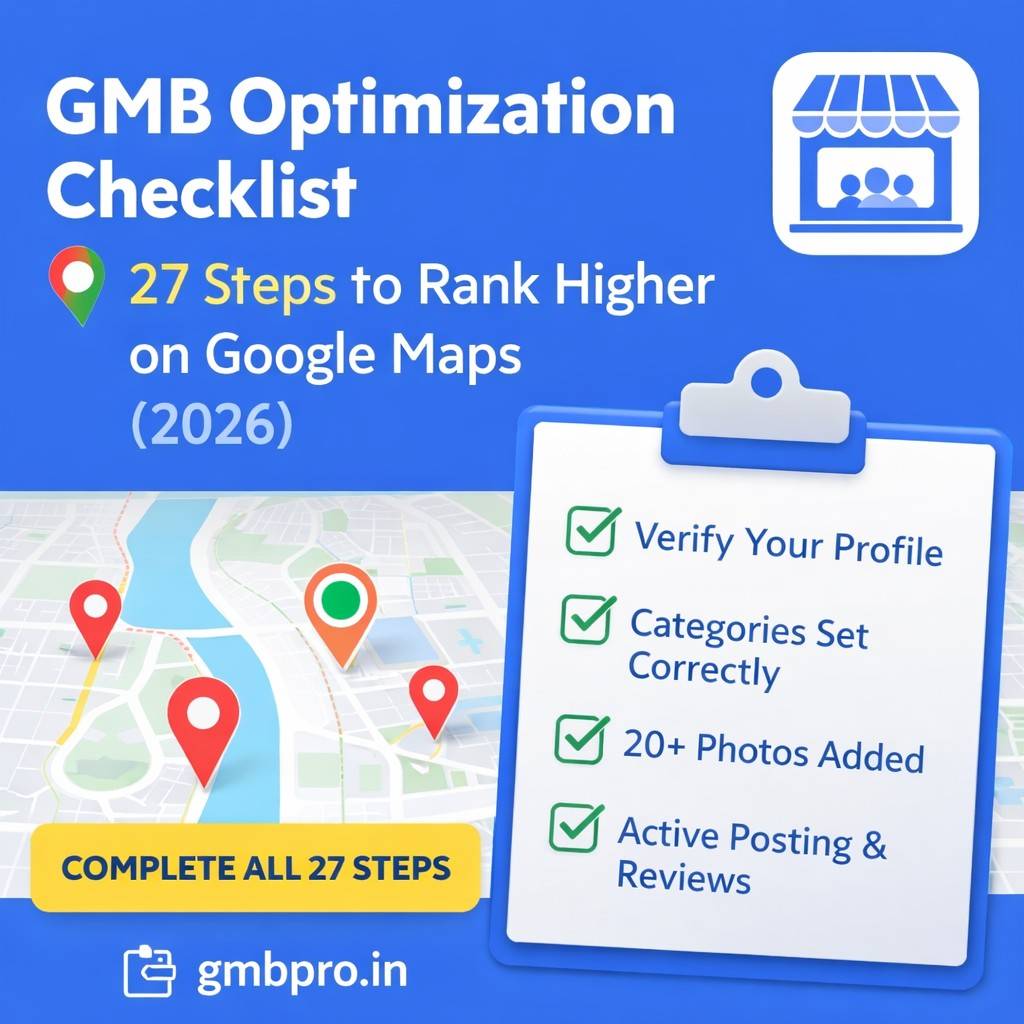
GMB Optimization Checklist: 27 Steps to Rank Higher on Google Maps
Want to rank #1 on Google Maps? This complete 27-step GMB optimization checklist covers everything you need to dominate local search in 2026.
Most Google Business Profiles Exist. Few Are Actually Optimized.
Today, almost every local business has a Google Business Profile.
But here’s the truth:
Very few are fully optimized.
An optimized profile ranks in the Top 3 on Google Maps, generates daily calls, drives direction requests, and consistently converts searchers into customers.
An unoptimized profile?
• Verified but invisible
• Complete but weak
• Active but not ranking
If you want to rank higher on Google Maps in 2026, you need structured optimization, not guesswork.
This 27-step GMB Optimization Checklist is your complete blueprint.
Each step is prioritized so you know exactly what to do first.
How Google Maps Ranking Works
Before diving into the checklist, understand the 3 core ranking factors:
Relevance How well your profile matches the search query
Distance How close you are to the searcher
Prominence How trusted and authoritative your business appears
This checklist strengthens all three.
Priority levels:
- Critical Direct visibility impact
- Important Ranking and conversion boost
- Advanced Competitive advantage
Complete them in order.
FOUNDATION
These steps determine whether your profile can rank at all.
Step 1: Verify Your Profile
Unverified profiles do not appear in Google Search or Maps.
Verification methods:
• Postcard
• Phone
• Email
• Video
Timeline: 3–7 days
Verification activates visibility and confirms your business legitimacy.
Without this step, nothing else matters.
Step 2: Set the Correct Primary Category
Your primary category is the strongest ranking signal in Google Maps.
Choose the most specific option available.
Example:
Dentist ✔
Medical Clinic ✖
Plumber ✔
Home Services ✖
Specific categories improve relevance and ranking accuracy.
Step 3: Add 5–9 Additional Categories
Additional categories expand your keyword reach.
Only add services you genuinely provide.
Quality > Quantity.
This increases visibility for related search queries without confusing Google.
Step 4: Write a Strong 750-Character Description
Your description reinforces relevance and improves conversions.
Include:
• Main services
• Target audience
• Location (naturally)
• Unique value proposition
Avoid keyword stuffing or spammy language.
Write clearly, professionally, and customer-focused.
Step 5: Add Accurate Business Hours
Missing or incorrect hours reduce trust and may hurt visibility.
Add:
• Hours for all 7 days
• Holiday hours
• Special hours when applicable
Accurate hours increase user satisfaction and reduce bounce behavior.
VISUAL OPTIMIZATION
Google tracks engagement signals. Strong visuals increase clicks and interactions.
Step 6: Upload a Professional Logo
Use a square image (minimum 720×720 px).
Your logo appears in search results and Maps.
A professional logo improves click-through rate and brand recognition.
Step 7: Upload a High-Quality Cover Photo
Use a landscape image (1024×576 px minimum).
Best options:
• Storefront
• Team photo
• Signature service
Avoid stock photos. Authenticity builds trust.
Step 8: Upload 20+ High-Quality Photos
Upload photos of:
• Exterior
• Interior
• Team
• Products
• Services
• Before/After
Businesses with more photos receive significantly higher engagement.
Add new photos monthly to maintain freshness.
Fresh content signals activity.
Step 9: Add Videos
Upload short videos (30–120 seconds).
Show:
• Walkthroughs
• Service demonstrations
• Customer testimonials
Videos increase dwell time and build trust faster than text.
Step 10: Optimize Photo File Names
Rename photos before uploading.
Example:
dentist-ahmedabad-clinic-interior.jpg
Google reads filenames.
Small SEO improvements compound over time.
SERVICES & ATTRIBUTES
These improve keyword coverage and conversion clarity.
Step 11: Add Detailed Services
List every service individually.
Include short descriptions in natural language.
Example:
Pipe Repair Fast repair for leaks and burst pipes.
Services strengthen relevance signals and help customers understand exactly what you offer.
Step 12: Add Products
Include:
• Product name
• Description
• Price
• Image
Products increase purchase intent and appear in search panels.
Step 13: Select All Relevant Attributes
Attributes improve match accuracy in filtered searches.
Examples:
• Accepts UPI
• Wheelchair accessible
• Women-led
• Free Wi-Fi
• Outdoor seating
The more complete your attributes, the clearer your profile becomes to Google.
REVIEWS & REPUTATION
Reviews are the strongest prominence signal.
Step 14: Get Your First 10 Reviews
Profiles with fewer than 10 reviews lack trust.
Ask happy customers immediately after service.
Send the review link via WhatsApp or SMS.
Never buy fake reviews. Google’s AI detects patterns.
Step 15: Respond to Every Review
Respond within 48 hours.
For positive reviews:
Thank them by name.
For negative reviews:
Remain calm and professional.
Offer resolution.
Google tracks engagement activity.
Step 16: Build a Weekly Review Strategy
Ask 3–5 customers every week.
Consistent review growth is more powerful than sudden spikes.
Recency matters.
CONTENT & ACTIVITY
Activity signals freshness and relevance.
Step 17: Publish Your First GMB Post
Create a post including:
• 150–300 words
• High-quality image
• Clear call-to-action
Post types:
• What’s New
• Offer
• Event
Posts show Google your business is active.
Step 18: Post Weekly
Standard posts expire after 7 days.
Weekly posting ensures continuous freshness.
Content ideas:
Week 1: Service highlight
Week 2: Testimonial
Week 3: Offer
Week 4: Educational tip
Consistency improves engagement.
Step 19: Add Q&A Preemptively
Add common questions before customers ask.
Examples:
Do you offer emergency services?
What payment methods do you accept?
This improves keyword relevance and builds trust.
TECHNICAL LOCAL SEO
Technical accuracy strengthens authority.
Step 20: Add Correct Phone Number
Ensure your number:
• Works properly
• Matches your website
• Is local if possible
Phone clicks are strong engagement signals.
Step 21: Add Website URL
Use the full HTTPS URL.
Website visits increase authority and conversion opportunities.
Step 22: Fix NAP Consistency
Name, address, and phone must match exactly across:
• Google Business Profile
• Website
• Directories
• Social media
Even small differences (Road vs. Rd.) matter.
Consistency improves trust and ranking.
Step 23: Add Local Business Schema
Schema markup helps Google understand:
• Business type
• Location
• Hours
• Services
It strengthens semantic clarity and local SEO structure.
ADVANCED FEATURES
Step 24: Enable Messaging
Only enable if you can reply quickly.
Fast response times increase conversions.
Step 25: Add a Booking Button
Integrate scheduling tools like:
• Google Calendar
• Booking software
Removes friction and increases appointments.
Step 26: Monitor Insights Monthly
Track:
• Profile views
• Calls
• Direction requests
• Search queries
• Photo performance
Optimization without data is guessing.
Step 27: Audit Every 90 Days
Quarterly review:
• Add new photos
• Collect more reviews
• Update services
• Check NAP consistency
• Analyze competitors
Local SEO is ongoing.
Businesses that optimize once fall behind.
Businesses that optimize continuously dominate.
30-Day Implementation Plan
Week 1: Foundation
Week 2: Visual Optimization
Week 3: Services & Reviews
Week 4: Content & Advanced
Within 30 days, your profile becomes elite-tier optimized.
What Happens After Completion?
Once all 27 steps are complete, you will have:
- Maximum relevance
- Strong prominence signals
- High engagement
- Technical accuracy
- Continuous activity
Results:
• Higher Map Pack ranking
• More calls
• More direction requests
• More customers
But remember:
Optimization is not one-time.
Continuous improvement wins long term.
FAQs
How long does this take?
7–10 days if done daily. 30 days comfortably.
Do I need all 27 steps?
Yes. Critical steps ensure visibility. Important steps boost performance. Advanced steps create competitive strength.
Will this guarantee a #1 ranking?
No checklist guarantees #1 because competition and proximity matter. But completing all 27 steps places you in the top tier of optimized profiles.
Can I hire experts?
Yes. GMBPro manages all 27 steps from verification to posting to review strategy for Indian businesses.
Conclusion
Ranking on Google Maps is not luck.
It is structured optimization.
Follow these 27 steps carefully and consistently.
- Build relevance.
- Build trust.
- Build authority.
- Build engagement.
Start today.
Complete Step 1. Then Step 2. Then Step 3.
Momentum creates dominance.
If you prefer professionals to handle everything—verification, optimization, weekly posts, review management, and analytics—GMBPro provides complete Google Business Profile optimization services across India.
Visit gmbpro.in for a free audit.