
Why Your Google Business Profile Is Not Showing Up
Is your Google Business Profile invisible on Maps? Learn the 8 most common reasons your listing is not showing up — and how to fix each one fast.
You are verified. You Have Photos. But Customers Cannot Find You.
- You verified your Google Business Profile.
- You added photos.
- You wrote a description.
Yet when customers search on Google Maps or in search results, your business is invisible.
Your competitors show up. You don’t.
The good news?
In 90% of cases, this problem is fixable within 24–72 hours once the root cause is identified.
This guide explains the 8 most common reasons your Google Business Profile is not showing up and how to fix each one.
The 8 Reasons Your Profile Is Not Showing
1. Your Profile Is Not Verified
The Problem
Unverified listings do NOT appear on Google Search or Maps.
How to Check
Go to business.google.com.
If you see “Verify your business," it’s not verified.
How to Fix
Complete verification via:
- Postcard (most common)
- Phone verification
- Email verification
- Video verification
Once verified, visibility usually activates within 24–48 hours.
2. Your Primary Category Is Wrong
The Problem
Google ranks businesses based heavily on their primary category.
If you are a dentist but categorized as a “medical clinic," you may not show for “dentist near me.”
How to Fix
Edit Profile
Update Primary Category
Choose the most specific option available
Ranking improvement may take 2–4 weeks.
3. Your Address Is Incorrect
NAP = Name, Address, and Phone Number consistency.
If your address differs between:
- Website
- Directories (Justdial, Sulekha, IndiaMART)
- GST documents
- Google Business Profile
- Google may suppress your listing.
Fix
Make the address identical everywhere.
Wait 7–14 days for Google to recrawl.
4. Wrong Setup for Service Area Business
If you operate from home and customers don’t visit you, showing a public address can reduce visibility.
Fix
Select “I deliver goods and services to customers."
Hide address
Add service areas
Results improve within 3–7 days.
5. Business Hours Are Missing or Incorrect
Google deprioritizes incomplete profiles.
If marked permanently closed or hours are visibility drops.
Fix
Update accurate business hours for all days.
Add holiday hours too.
Changes reflect within 24 hours.
6. Your Profile Is Suspended
If your listing is suspended, it will not appear at all.
Common reasons:
- Keyword stuffing in business name
- Virtual office address
- Duplicate listings
- Policy violations
How to Check
Log in to business.google.com
Look for a red suspension notice.
Fix
Correct the violation and submit reinstatement.
Review takes 3–7 days.
7. You Are Too Far From the Searcher
Google prioritizes proximity.
If competitors are 2 km away and you’re 15 km away they will rank higher.
What You Can Do
- Strengthen reviews
- Improve category accuracy
- Post weekly
- Add photos regularly
- Use Local Ads if necessary
Distance cannot be changed but optimization can offset it.
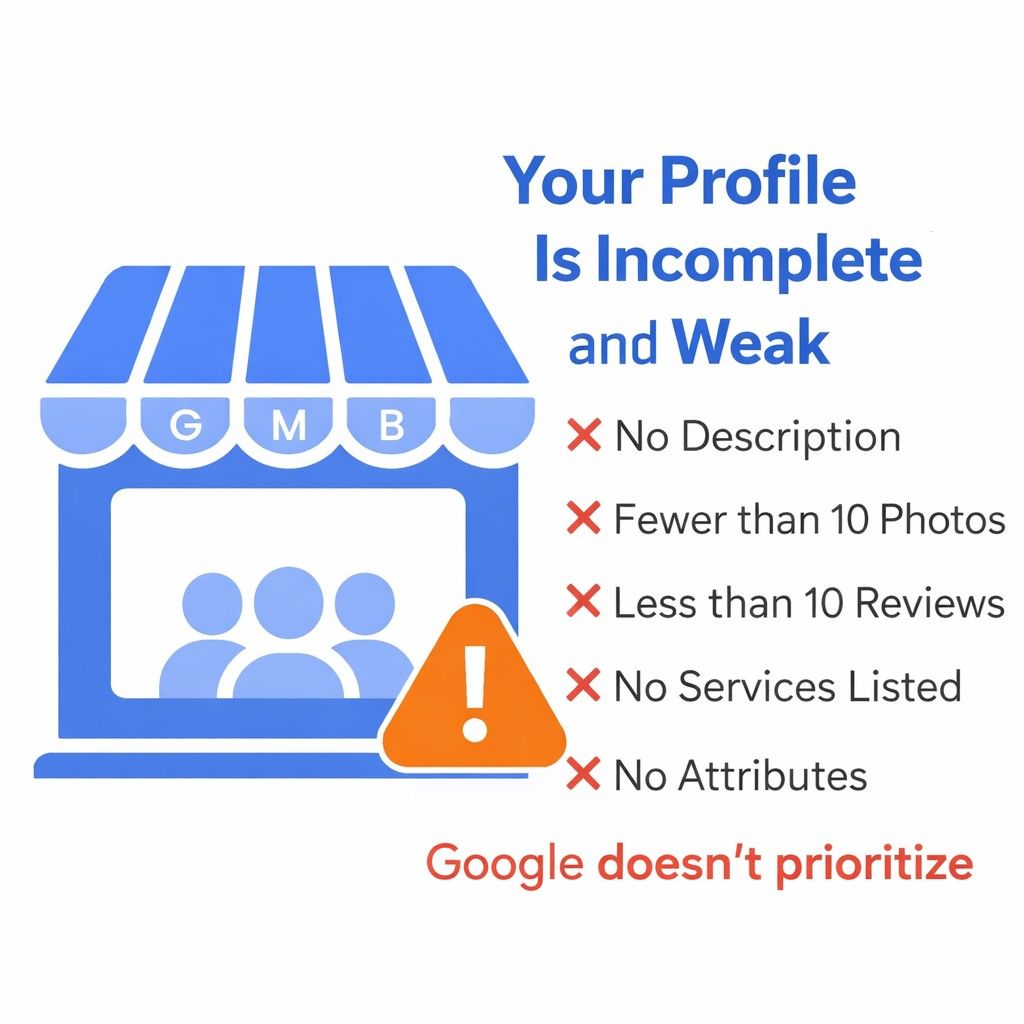
8. Your Profile Is Weak or Incomplete
Google rewards active profiles.
If your listing has:
- No description
- Less than 10 photos
- Few reviews
- No services listed
- No attributes selected
- It will rank poorly.
Complete Your Profile Fully:
- 750-character keyword-optimized description
- 20+ quality photos
- List all services/products
- Add attributes
- Post weekly
- Add FAQs in Q&A
- Reply to every review
- Strong profiles rank higher.
How to Test If Your Profile Is Showing
Step 1: Use Incognito Mode
Search without personalization.
Step 2: Search Business Name + City
Example: “GMBPro Ahmedabad”
Step 3: Search Service + City
Example: “GMB optimization Ahmedabad”
Step 4: Check Directly on Google Maps
If not visible, one of the 8 reasons applies.
FAQs
Why does it show in Search but not Maps?
Usually an address or service area configuration issue.
I am verified but invisible. Why?
Verification alone is not enough. Optimization and engagement are required.
Can I rank in multiple cities?
Yes, if properly configured as a service area business.
Why does a competitor with fewer reviews rank higher?
Google considers multiple ranking signals beyond reviews.
How do I check if I'm suspended?
Log in to your dashboard and look for warning messages.
Need Expert Help?
If your Google Business Profile is not showing up, it is almost always one of these 8 issues.
Start with:
- Verification
- Correct category
- Address consistency
- Profile completeness
Most businesses regain visibility within 7–14 days after fixing the root cause.
At GMBPro, we help Indian businesses fix invisible listings and rank higher on Google.
Profile Verification
Category Optimization
NAP Fixes
Full Profile Optimization
Suspension Recovery
Weekly Posting Strategy
Start with a Free GMB Audit at gmbpro.in