
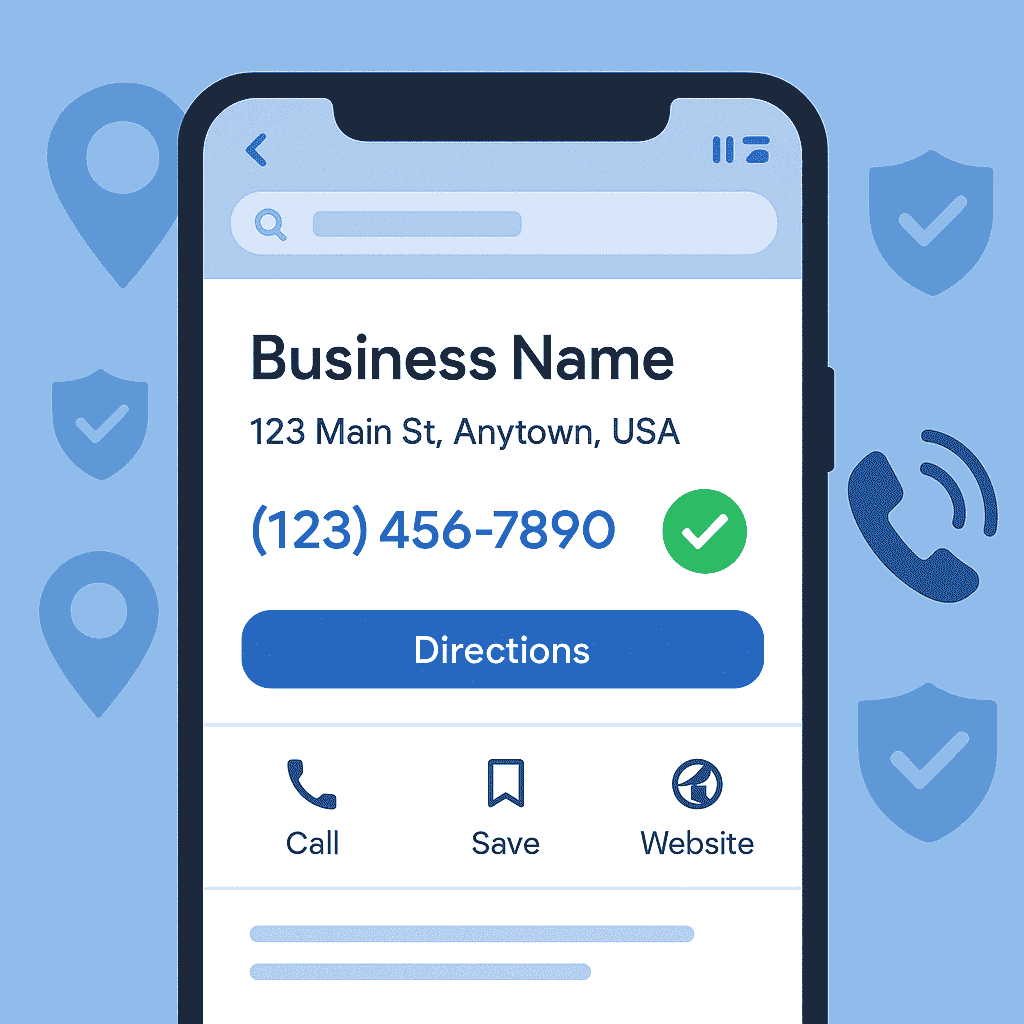
Google Business Profile Phone Number Verification: How to Verify & Display Your Number
Verifying your phone number on Google Business Profile is crucial to ensure customers can see and call your business directly from your listing. This verification process not only legitimizes your profile but also improves your local SEO and trustworthiness. A verified phone number means your contact details are confirmed by Google, which helps your business appear more reliably in local search results.
Why Verifying Your Google Business Profile Phone Number Matters
A Google Business Profile with a verified phone number signals to both Google and customers that your business is legitimate and reachable. Here are a few key benefits of phone number verification:
Builds Trust: People tend to trust businesses that have verified information on Google. A confirmed phone number shows that you are a real business, which can make potential customers more confident in contacting you.
Improves Local SEO Visibility: Google is more likely to showcase businesses with verified details in local search results and Google Maps. A verified profile can help you rank higher or appear more frequently when users search for services you offer in your area.
Ensures Easy Customer Contact: When your phone number is verified and displayed on your profile, customers can conveniently call you with one click or tap. Accurate contact info means you won’t miss out on inquiries from interested customers.
On the flip side, if your number is not verified, Google might limit its visibility. Unverified or incorrect phone details could result in your number not showing up on your public listing at all. This not only hurts your credibility but also means potential customers can’t reach you, leading to lost opportunities. Therefore, verifying the phone number is a fundamental step in optimizing your Google My Business (Google Business Profile) presence and ensuring your listing works for you.
How to Verify Your Google Business Profile Phone Number
Verifying by phone is one of the fastest ways to confirm your Google Business Profile. Google will send you a verification code via an automated call or text message that you need to enter in your profile. Follow these steps to verify your phone number:
Sign in and Find Your Business: Log in to your Google Business Profile account using the Google account that manages your listing. If you have multiple business profiles, select the correct business from the dashboard.
Initiate Verification: Click on the Verify now or Get verified button for your business. Google will present the available verification options. Choose Phone (or SMS) if it’s offered for your profile. (If phone verification isn’t offered, use the method Google provides – such as postcard or email.
Receive the Code: Google will send a 5–6 digit verification code to your business phone number. You might receive this code via a phone call (an automated voice will read it out) or as an SMS text message. Be ready to answer the call or check your texts so you can note the code.
Enter the Code: Once you have the code, enter it into the verification field on your Google Business Profile dashboard and submit. If the code is correct, Google will confirm that your number is now verified.
Confirmation: After submitting the code, Google may take a short time to process the verification. In many cases the verification is instant, but sometimes it could take a day or two for the status to update. You will receive a confirmation notification once your phone number is officially verified.
Pro Tips: Use a direct line for verification (avoid fax or extensions). Enter the number in international format (with the +country code) to prevent formatting issues. When requesting the code, ensure you can immediately answer the call or view the SMS, as verification codes can expire. If you don’t receive a code, double-check that your phone number is correct in your profile and request a new code. You can also try a different verification method if phone/SMS isn’t working.
Ensuring Your Phone Number Shows on Your Profile
After completing verification, your phone number should display publicly on your Google Business Profile (on Search and Maps). If it’s not visible, try these steps:
Display Setting: Make sure you haven’t accidentally hidden your number. In your Business Profile settings, under Advanced settings, the “Don't show” option for phone number should be turned off.
Allow Time for Updates: Sometimes Google takes a short time (a few hours or up to a day or two) to update your information after verification. Also double-check that your entire business listing is verified and not pending any other verification steps.
Number Format & Consistency: Ensure your phone number is entered in the correct format (include the country code, e.g. +1 or +91). The number on your Google profile should match the number on your website and other listings – consistency helps Google trust the info. Avoid using a phone number that’s also on another Google listing, as this can cause conflicts.
Additional Verification : In some cases, Google might keep your number in a verification stage (especially in regions with strict checks). If your number still isn’t showing, you may need to fill out Google’s Phone Number Verification Appeal form or provide documentation to prove the number belongs to your business. This extra step helps Google confirm the number is legitimate.
Contact Support: If you’ve tried the above and your number remains hidden, reach out to Google Business Profile Support or post your issue on the community forums. Google’s support team can investigate if there's a technical issue or guide you on the next steps.
Next Steps
Verifying and displaying your phone number on Google Business Profile is a simple step that yields significant benefits for your business. It ensures your business is reachable and trustworthy to both customers and Google. Don’t let an unverified or hidden phone line stand between you and potential customer calls.
At GMBpro, we offer professional support to maximize your presence on Google. Our services include GMB Profile Setup and Verification to get your listing properly verified, GMB Profile Optimization to improve rankings, and GMB Analytics and Reporting to monitor your performance. Feel free to explore all our services.
Have more questions? Check our FAQ for common queries or contact us for personalized assistance. You can also see how it works to learn about our process. With a verified phone number and an optimized Google Business Profile, you’ll be well-positioned to connect with more customers and grow your business online.