
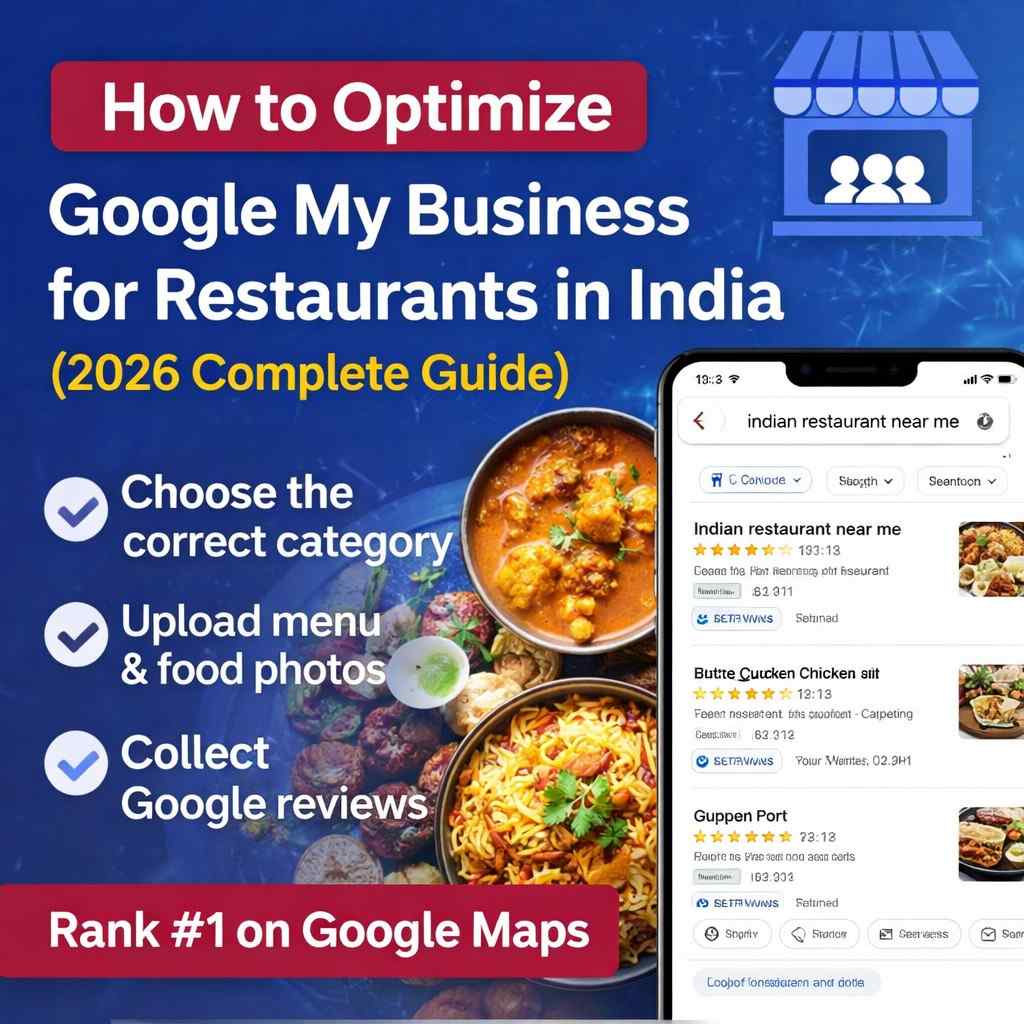
How to Optimize Google My Business for Restaurants in India
Want more customers for your restaurant? Learn how to optimize your Google My Business profile to rank higher on Google Maps and attract hungry diners.
Your Restaurant Is Open. But Hungry Customers Are Finding Your Competitor Instead.
Every day in India, thousands of people search:
“Restaurant near me”
“Best biryani in Ahmedabad”
“Family restaurant in Surat”
“Veg restaurant open now”
Google Maps shows them three restaurants at the top.
If your restaurant is not there, you are invisible.
Your Google Business Profile is more powerful than Instagram.
More powerful than Zomato listings alone.
More powerful than Facebook ads.
It is the first impression hungry customers see, and it determines whether they call, book, order, or scroll past.
This complete 2026 guide shows you exactly how to optimize Google My Business for restaurants in India step by step.
Why Google Business Profile Matters More Than Ever for Restaurants
Restaurants depend on:
- Walk-ins
- Table bookings
- Online orders
- Weekend rush
- Festival traffic
Google Maps influences all of them.
When customers search locally, Google shows:
- Top 3 Map Pack
- Ratings
- Photos
- Menu
- Reviews
- Popular times
- Directions
If your profile is optimized, you win the click.
If it is weak, your competitor gets the customer.
Let’s fix that.
Step 1: Choose the Correct Restaurant Category
Your primary category is the most important ranking signal.
Specific categories rank better than generic ones.
Best Primary Categories for Restaurants in India
General:
- Restaurant
- Family Restaurant
- Multi-Cuisine Restaurant
Cuisine-Based:
- North Indian Restaurant
- South Indian Restaurant
- Chinese Restaurant
- Mughlai Restaurant
- Biryani Restaurant
- Italian Restaurant
- Vegetarian Restaurant
- Vegan Restaurant
Format-Based:
- Cafe
- Bistro
- Fast Food Restaurant
- Fine Dining Restaurant
- Dhaba
If you serve North Indian food, choose “North Indian Restaurant," not just “Restaurant.”
Specific beats generic every time.
Add Supporting Categories
Add up to 9 additional categories:
- Takeout Restaurant
- Delivery Restaurant
- Bar
- Caterer
- Buffet Restaurant
Only choose categories you genuinely offer.
Step 2: Upload Your Complete Menu to Google
Google has a dedicated menu section for restaurants. Many restaurants ignore this and lose customers because of it.
How to Add Menu
Option 1: Upload PDF
Option 2: Add website menu link
Option 3: Use Google’s built-in menu editor
The best option?
Use Google’s menu editor for individual items.
Menu Optimization Tips
• Include prices (transparency builds trust)
• Add short descriptions for signature dishes
• Highlight bestsellers
• Update seasonal items monthly
• Remove unavailable items immediately
If customers can see your menu instantly, they are more likely to choose you.
If your competitor’s menu is missing and yours is detailed, you win.
Step 3: Upload 50+ High-Quality Food Photos
Restaurants sell visually.
Customers eat with their eyes first.
Profiles with 50+ photos get significantly more engagement than those with fewer than 10.
Types of Photos to Upload
Food Photos (30+):
- Signature dishes
- Close-ups showing texture
- Thalis and platters
- Desserts
- Beverages
Interior (10+):
• Dining area
• Seating layout
• Ambience lighting
• Decor details
Exterior (5+):
• Storefront
• Entrance
• Parking area
Team (5+):
• Chef cooking
• Staff serving
• Clean kitchen
Photo Quality Tips
• Use natural lighting
• Avoid dark or blurry images
• Show real portion sizes
• Keep backgrounds clean
• Upload new photos weekly
Food photography directly affects conversions.
Blurry photos kill appetite.
Clear, vibrant photos increase bookings.
Step 4: Set Accurate Business Hours
Incorrect hours cause lost customers and bad reviews.
Set:
• Opening & closing times for all days
• Kitchen closing time if different
• Festival hours (Diwali, Holi, Eid, Christmas)
• Temporary closures
Always update special hours.
If customers arrive and you are closed, they may leave a 1-star review.
Accuracy protects your rating.
Step 5: Enable Reservations and Online Ordering
Google allows direct booking and ordering links.
This removes friction and increases conversions.
Add Reservation Link
Integrate with:
• Google Reserve
• Dineout
• EazyDiner
• OpenTable
Add Online Ordering Link
Connect:
• Your website
• Swiggy
• Zomato
Customers can book or order without leaving Google.
Convenience increases sales.
Step 6: Select All Relevant Attributes
Attributes improve visibility in filtered searches.
Important attributes for Indian restaurants:
Dining Options:
• Dine-in
• Takeout
• Delivery
• Outdoor seating
Amenities:
• Parking available
• Free Wi-Fi
• Air conditioning
• Wheelchair accessible
Offerings:
• Vegetarian options
• Vegan options
• Jain food
• Halal food
• Gluten-free options
Crowd:
• Family-friendly
• Good for groups
• Romantic
• Casual
Payment:
• Accepts UPI
• Credit/debit cards
• Contactless payment
The more complete your attributes, the more accurately Google matches your restaurant to searches.
Step 7: Post Weekly GMB Updates
Posts keep your profile active and fresh.
Inactive profiles look abandoned.
Post every 5–7 days.
Post Ideas
Week 1: New dish launch
Week 2: Customer review highlight
Week 3: Weekend offer
Week 4: Chef spotlight
Festival posts:
Diwali specials
Navratri thali
Ramadan Iftar menu
Christmas dinner
Posts increase engagement and ranking freshness.
Step 8: Collect and Respond to Reviews Aggressively
Reviews are the strongest trust signal.
Restaurants with 4.5+ rating and 50+ reviews dominate.
How to Get More Reviews
Ask at the right moment:
• After positive feedback
• When billing
• Within 24 hours via WhatsApp
Add QR code cards on tables linking to your review page.
Respond to Every Review
Positive:
Thank them personally.
Negative:
Respond professionally.
Offer resolution.
Never argue publicly.
Customers judge you by how you handle complaints.
Step 9: Add Restaurant-Specific Q&A
Add common questions yourself.
Examples:
Do you offer delivery?
Is parking available?
Do you have Jain options?
Do you host birthday parties?
What is your most popular dish?
Proactive Q&A improves conversion and keyword coverage.
Step 10: Configure Location Correctly
For dine-in restaurants:
Show full address.
For cloud kitchens:
Hide address and set service area.
Incorrect setup can suppress visibility.
Step 11: Monitor Insights Monthly
Check performance every month.
Track:
• Profile views
• Search queries
• Calls
• Direction requests
• Menu views
• Photo views
Identify which photos get the most clicks.
Improve based on data.
Step 12: Fix NAP Consistency
NAP = Name, Address, Phone
Must match across:
• Google Business Profile
• Website
• Zomato
• Swiggy
• Facebook
• Justdial
Even small differences reduce ranking strength.
Consistency builds authority.
Common GMB Mistakes Restaurants Make
Mistake 1: No Menu
Customers leave immediately.
Mistake 2: Poor Food Photos
Low-quality visuals reduce conversions.
Mistake 3: Wrong Category
Generic category limits ranking.
Mistake 4: Ignoring Reviews
Unanswered complaints hurt reputation.
Mistake 5: No Weekly Posts
Inactive profiles signal weak business.
Mistake 6: Not Updating Hours
Incorrect hours cause frustration and bad ratings.
How Many Reviews Do You Need to Rank?
There is no fixed number.
In most Indian cities:
30–75 reviews with a 4.5+ rating is competitive.
Consistency matters more than sudden spikes.
Should You Use Zomato & Swiggy?
Yes.
Zomato & Swiggy drive discovery and delivery.
Google Business Profile drives:
• Local search visibility
• Walk-ins
• Direct bookings
Use both strategically.
How Often Should You Update the Menu?
Immediately when:
• Adding new dish
• Removing item
• Changing price
Refresh seasonal specials monthly.
Accurate menus increase trust.
Final Strategy Summary
To rank higher:
• Choose specific category
• Upload complete menu
• Add 50+ high-quality photos
• Enable reservations & ordering
• Select full attributes
• Post weekly
• Collect reviews weekly
• Fix NAP consistency
• Monitor monthly
Do these consistently.
Ranking follows.
Your Google Business Profile is your most powerful free marketing tool.
Optimize it properly and you will:
• Rank higher on Google Maps
• Get more calls
• Increase walk-ins
• Boost online orders
• Fill more tables
Consistency wins.
If you want professionals to handle complete Google Business Profile optimization for your restaurant, including menu setup, photos, weekly posts, review strategy, and monthly reporting, GMBPro manages everything for restaurants across India.
Visit gmbpro.in for a free audit.