
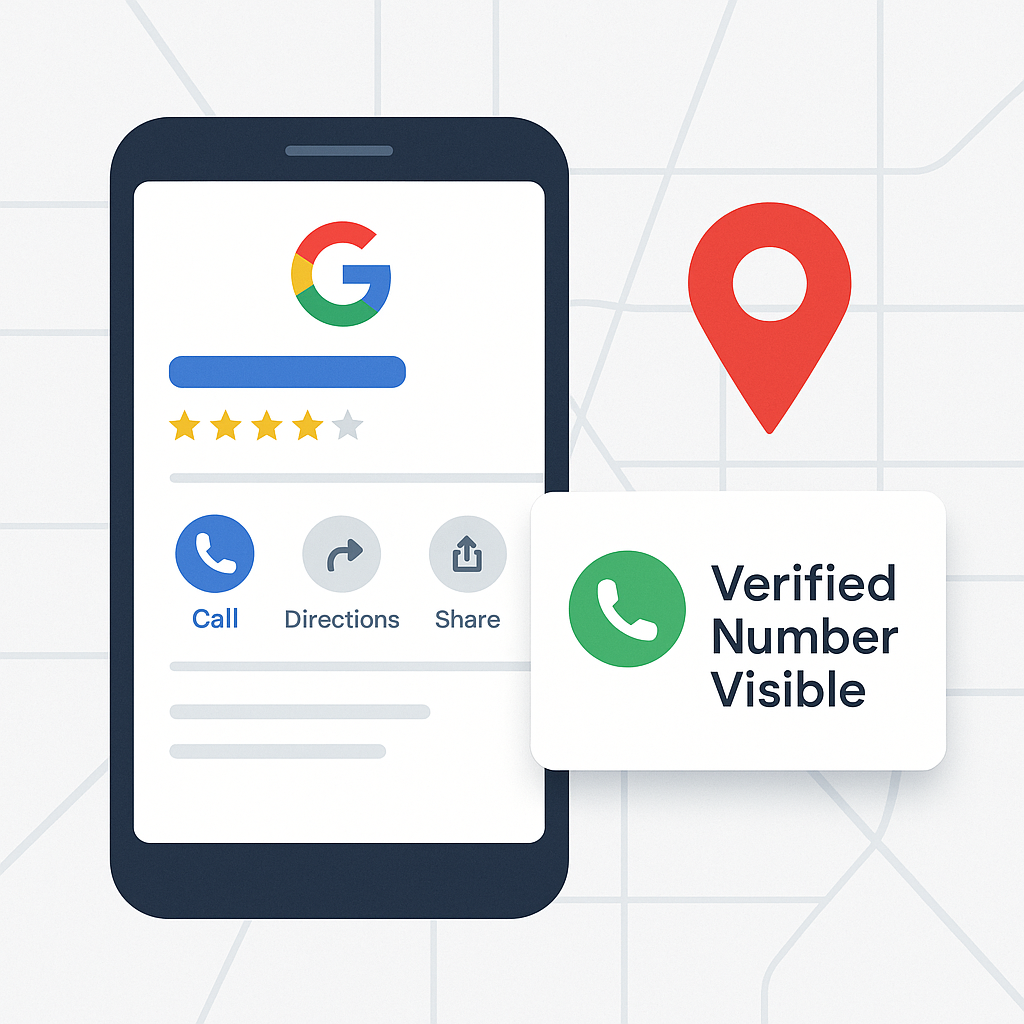
How to Show Your Phone Number on Google My Business Profile
Discover how to make your phone number visible on Google My Business and increase customer calls with verified, optimized profile settings.
Your phone number is one of the most important contact elements on your Google My Business (GMB) or Google Business Profile (GBP). It’s what turns visibility into real leads.
If your number isn’t showing, or customers can’t click “Call,” you’re losing direct sales opportunities every day.
This guide explains exactly how to show your phone number on your Google Business Profile, why it sometimes disappears, and how to optimize your listing so that it ranks higher and converts better.
At GMBPro, we’ve helped hundreds of businesses fix hidden contact info, verify their listings, and appear in Google Maps’ top results.
1. Why Google Sometimes Hides Your Phone Number
There are several reasons your phone number may not be visible on your profile:
- Your business profile isn’t verified.
- Your number doesn’t match what’s on your website or directories (NAP inconsistency).
- Google’s system detected duplicate or spam listings.
- You selected a service area without a physical location, which limits display.
- Your listing violates Google’s business information guidelines.
Google’s algorithm prioritizes accurate and consistent information. Any mismatch between your business listings and website can cause the phone field to be suppressed.
2. How to Add or Update Your Phone Number on Google My Business
Follow these steps to make sure your number appears properly:
Step 1: Sign in to your Google Business Profile Manager at business.google.com.
Step 2: Select your business and click Edit Profile → Contact Information.
Step 3: Under “Phone number,” add your correct, local business number (avoid toll-free numbers if possible).
Step 4: Save your changes.
Step 5: Check your live profile on Google Search and Maps to confirm the number is visible.
Always use a local area code. Users trust numbers that appear geographically close to them, improving your call conversion rate.
3. Ensure NAP Consistency Across the Web
NAP = Name, Address, Phone Number
Google checks multiple sources to confirm your data is accurate. If your phone number differs across directories, social media, or your website, it can hurt your rankings and prevent display.
How to fix it:
- Audit all online listings (JustDial, IndiaMart, Yelp, Facebook, website).
- Use the exact same phone number format everywhere.
- Avoid using tracking or forwarding numbers unless properly linked with your main line.
Google My Business phone number, NAP consistency, how to fix phone number on Google Maps.
4. Verify Your Business for Full Visibility
Unverified profiles have limited visibility and restricted features. Without verification, your contact details may not show to customers.
How to verify:
- Google will send a postcard, email, or call with a verification code.
- Enter that code into your profile.
- Once verified, your phone number becomes public and clickable.
Voice assistants like Google Assistant only show verified listings when responding to “Call [business name] near me.”
5. Avoid Common Mistakes That Hide Your Number
Some simple errors can cause your number to vanish or fail to display properly:
- Using a call tracking number that doesn’t match your main listing.
- Adding personal numbers instead of business lines.
- Copying and pasting your number with spaces or special characters.
- Failing to update hours or address after a move.
Fix: Keep your GMB profile formatting clean and standardized.
Google My Business verification, Google Maps contact info, show phone number on GMB.
6. Optimize for Local Ranking
Once your phone number is visible, boost your local visibility so customers actually find your listing.
Optimization Tips:
- Add your service areas (city and district names).
- Include local keywords in your description (e.g., “plumber in Ahmedabad” or “digital marketing agency in Vadodara”).
- Get backlinks from regional directories and Google Maps citations.
- Collect genuine Google reviews that mention your location and services.
Local SEO for Google My Business, Google Maps visibility, Google Business optimization in India.
7. Improve CTR and User Engagement (SXO Layer)
To attract more calls, make your listing visually appealing and trustworthy.
Enhance your click-through rate (CTR) by:
- Adding professional photos (storefront, team, service area).
- Writing a concise, keyword-rich business description.
- Using the “Call Now” and “Message” CTAs.
- Posting weekly updates with local offers and news.
When users trust your listing, they engage more — which boosts your ranking.
Increase Google My Business engagement, optimize GBP profile for calls, improve CTR on Google Maps.
8. Track and Analyze Your Google Business Performance
Use Google Business Insights to measure what’s working:
- How many people found you on Search vs Maps.
- How many clicked “Call” or “Directions.”
- Which keywords customers used to find you.
Use this data to adjust your content, location keywords, and posting frequency.
Google’s AI-driven ranking favors businesses that show consistent engagement signals and data accuracy.
9. When to Contact Google My Business Support
If your phone number still isn’t showing after optimization:
- Contact Google Business Support via chat or email.
- Provide verification proof (photos, business license, utility bills).
- Ask for manual review of your listing.
Google’s support agents use internal visibility systems that rely on your account’s authenticity and consistency to restore contact visibility.
10. How GMBPro Helps You Fix and Rank Higher
At GMBPro, we specialize in:
- Fixing hidden or missing contact details.
- Full GMB optimization for visibility and lead generation.
- Review management and posting strategy.
- Geo keyword targeting for top Google Maps ranking.
- Monthly performance reporting and AI visibility tracking.
Result: Verified, optimized, and visible Google Business Profiles that bring daily customer calls.
Make Your Business Easy to Call and Easy to Find
Your phone number is more than a contact field — it’s the bridge between your online visibility and real-world customers.
If your Google My Business listing isn’t showing your number, it’s not just a technical issue — it’s a missed opportunity.
Keep your profile verified, accurate, and active — or let GMBPro do it for you.
We’ll ensure your business is fully visible, contactable, and trusted on Google Maps and Search.
Book a Free GMB Audit and discover how your listing can reach more customers today.