Why Is My Google My Business Listing Not Showing Up?
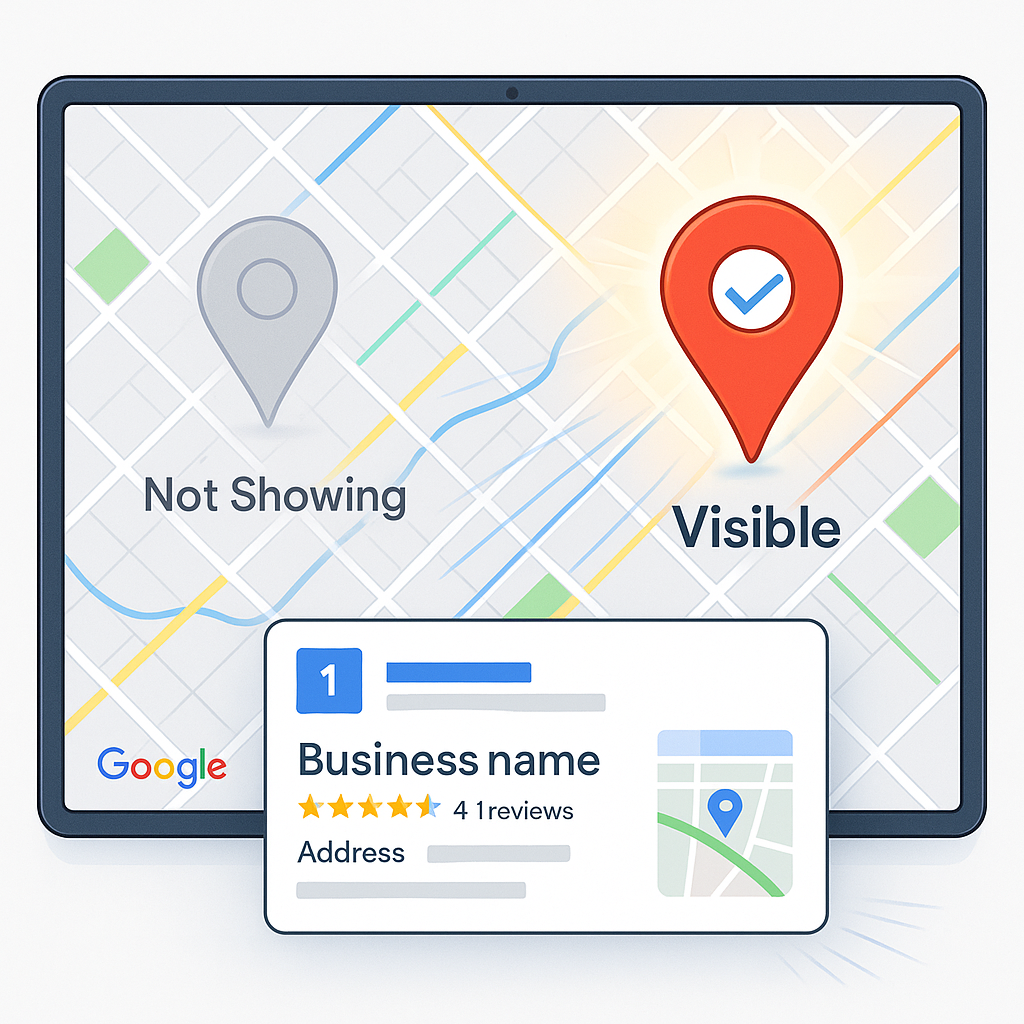
If your Google My Business profile isn’t showing on Google Search or Maps, here’s why — and how to restore it with expert optimization from GMBPro.
You searched your business on Google, but it’s nowhere to be found — no pin on Maps, no listing in the local pack, no visibility at all.
You’re not alone. Thousands of verified businesses face the same issue every day.
If your Google My Business (GMB) listing has disappeared or dropped in ranking, the reason is usually a mix of verification, policy, or optimization issues.
At GMBPro, we specialize in recovering, optimizing, and boosting Google My Business listings so your business is always visible to the right customers.
1. You Haven’t Verified Your Listing
Verification is the foundation of visibility. Unverified profiles stay hidden until ownership is confirmed.
Fix it:
- Log in to your Google Business Profile Manager.
- Choose “Verify Now.”
- Complete verification by postcard, phone, or email.
- Once verified, your listing becomes eligible for display on Google Search and Maps.
Google My Business verification, verify Google Business listing, how to show up on Google Maps.
2. Your Business Was Suspended by Google
If your listing violated Google’s guidelines — for example, using a virtual address, misleading name, or duplicate entry — it may have been suspended.
How to Check:
When you log in, look for the red “Suspended” notice.
Fix it:
- Review Google’s Business Profile guidelines.
- Submit reinstatement via Google Support.
- Provide proof like utility bills, license, or storefront photos.
Google’s algorithms automatically detect and suppress listings that appear untrustworthy or inconsistent across data sources.
3. You Changed Business Info Recently
Updating your address, category, or phone number can temporarily hide your listing while Google revalidates your details.
Fix it:
- Wait 24–72 hours after making major updates.
- Avoid frequent edits.
- Reconfirm all fields (Name, Address, Phone – NAP).
Consistency across platforms is key — mismatched data reduces ranking signals.
4. Your Listing Is Too New
Newly created Google My Business profiles can take up to a week to appear, especially if Google needs manual verification.
Fix it:
- Be patient and check “In Review” status in your dashboard.
- Add more data — description, photos, categories — to build trust.
- The more complete your profile, the faster it appears in search.
5. You’re Out of the Local Search Radius
Google prioritizes proximity. If you’re searching from far away, your listing may not appear.
Fix it:
- Use the exact business location in your search.
- Search your business name + city (e.g., “Trentium Solutions Ahmedabad”).
- Add or adjust your service areas in your GMB dashboard.
Mention nearby cities and neighborhoods in your description for broader visibility.
6. Your Category or Keywords Are Wrong
Using the wrong category reduces your chance of appearing for relevant queries.
Fix it:
- Choose your main category carefully (e.g., Dentist, SEO Agency, Salon).
- Add secondary categories and relevant services.
- Write a keyword-rich but natural business description.
Google My Business not showing, Google Business categories, optimize GMB keywords.
7. Your Account Has Duplicate Listings
If Google detects multiple listings for the same business, it often hides all but one.
Fix it:
- Use Google Maps → Search your business → “Suggest an Edit” → Mark duplicates as “Closed.”
- Keep one verified profile.
- Contact Google Support if duplicates persist.
8. Your Business Is in a Restricted Category
Certain industries (like locksmiths, real estate agents, or online-only businesses) face stricter listing visibility policies.
Fix it:
- Ensure your business follows eligibility guidelines.
- Use a physical address that customers can visit.
- Avoid using PO boxes or co-working addresses.
Voice assistants and AI search features only recommend verified, physical businesses in trusted categories.
9. You’ve Been Hit by a Local Algorithm Update
Google’s local ranking algorithms (Vicinity, Possum, and Hawk updates) constantly refine which listings appear in the Map Pack.
Fix it:
- Add location keywords naturally.
- Collect frequent customer reviews.
- Keep your business active with weekly posts.
- Add fresh photos regularly.
Google’s AI evaluates engagement, accuracy, and freshness as visibility signals.
10. You Haven’t Posted or Engaged Recently
Inactive profiles lose ranking priority. Google rewards businesses that interact regularly.
Fix it:
- Post updates weekly (offers, events, achievements).
- Reply to every review (positive or negative).
- Upload new photos monthly.
- Engagement tells Google that your business is active, relevant, and trustworthy.
How GMBPro Helps You Regain Visibility Fast
Our team at GMBPro specializes in:
- Recovering suspended or hidden profiles.
- Claiming unverified listings.
- Optimizing NAP data and categories.
- Boosting engagement with reviews and posts.
- Monitoring visibility and ranking reports.
We don’t just fix visibility issues — we keep your profile visible through ongoing optimization and compliance.
FAQs
Q1. Why did my Google My Business listing disappear?
A: It may be unverified, suspended, or updated recently.
Q2. How do I make my listing visible again?
A: Verify ownership, fix NAP consistency, and follow Google’s guidelines.
Q3. Does posting help my visibility?
A: Yes. Regular posts and updates signal activity to Google’s algorithms.
Q4. How long does it take to show up again?
A: Most listings reappear within 3–7 days after fixing issues.
Q5. Can GMBPro recover suspended listings?
A: Yes, we specialize in profile reinstatement and visibility restoration.
Visibility Is Earned, Not Given
If your Google My Business listing isn’t showing up, it’s not lost — it’s waiting to be optimized.
By verifying your profile, maintaining consistent data, and staying active, you can recover your visibility and start attracting local customers again.
Let GMBPro help you get back on the map — literally.
Book Your Free GMB Visibility Audit and make your business visible again.